PSUWorship.com Website
Next.js worship platform with chord charts, pitch tools, and live setlist support.
PSU Worship — How the Tools Work
There's a lot of technical work behind a worship night: admin, organization, charts, and musicianship. I kept noticing small ways software could remove that backend headache, so I built PSU Worship as a set of tools for worship teams. It's live at psuworship.com.
1) Tool Hub
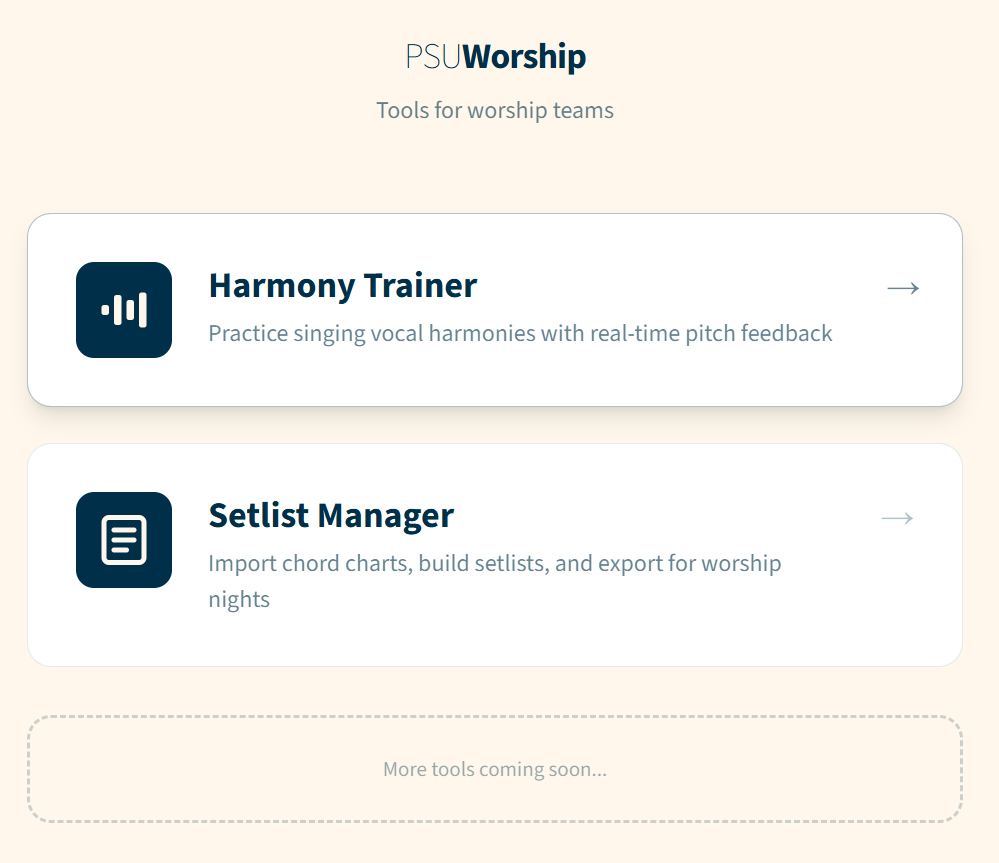
The site opens with a simple hub so teams can jump into the tool they need — either the Harmony Trainer or the Setlist Manager.
2) Harmony Trainer (Live Mic Feedback)
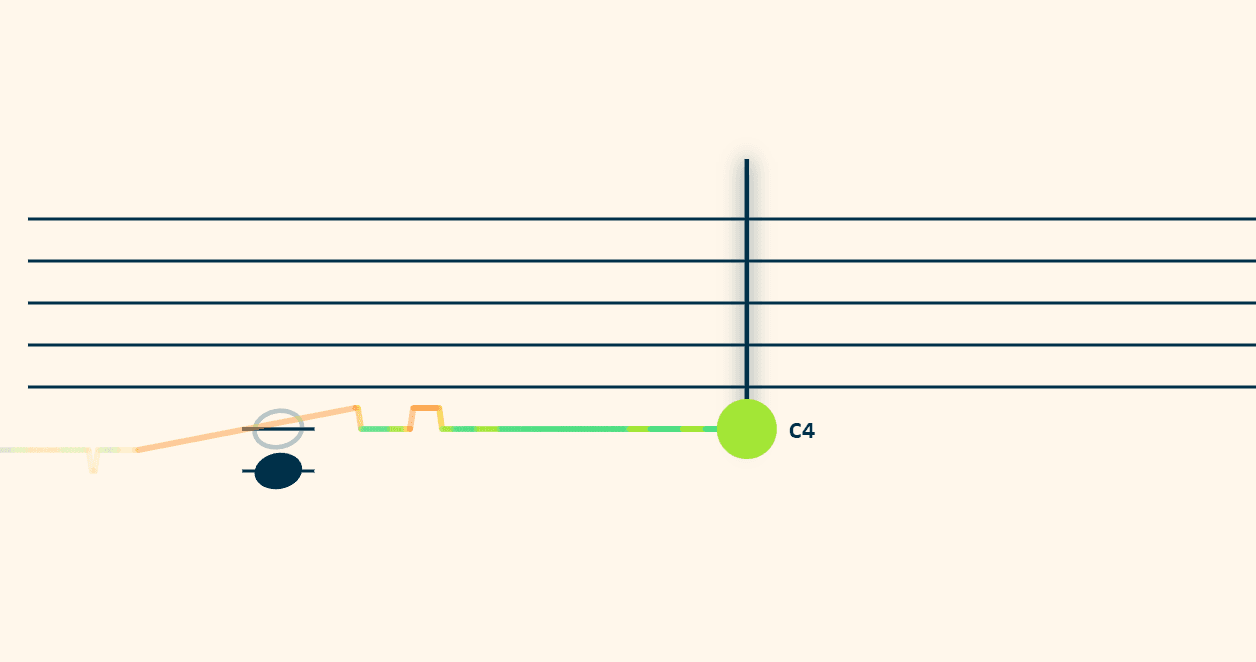
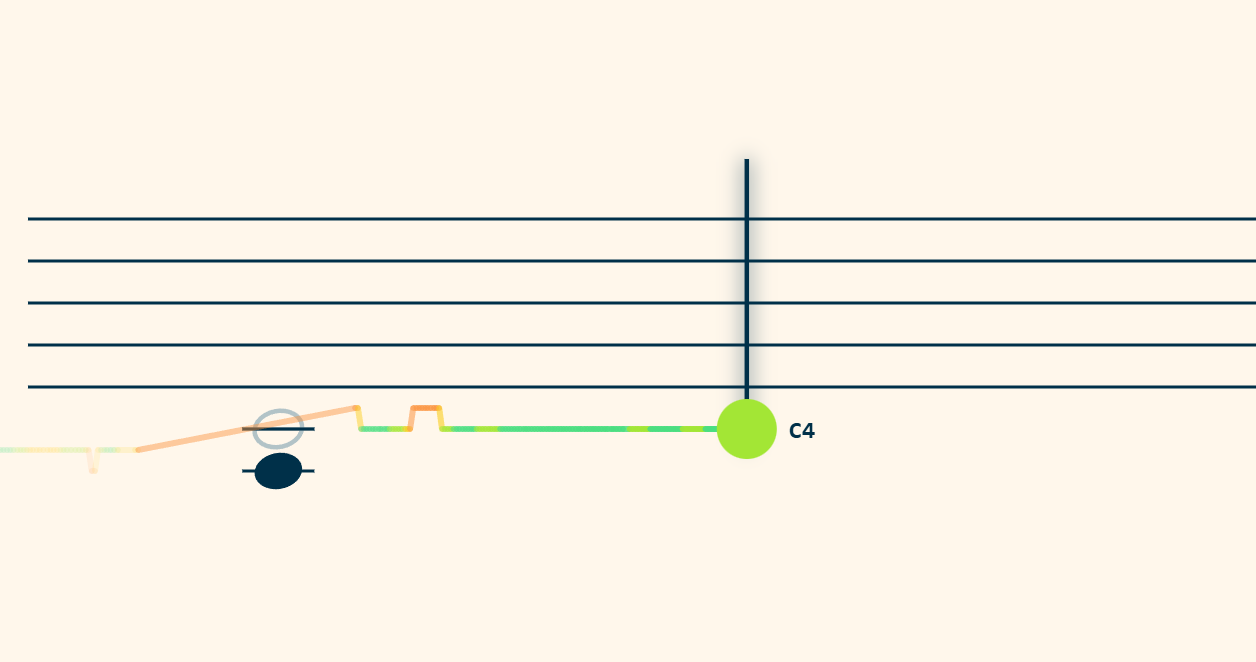
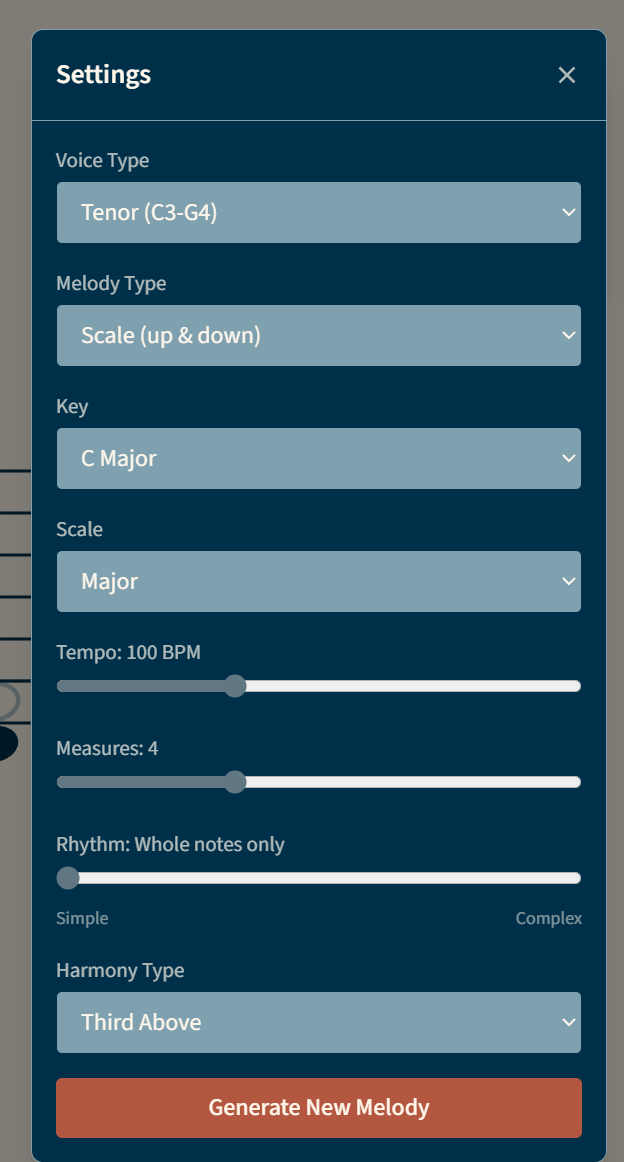
The Harmony Trainer listens to your mic input and compares it to the harmony line you're aiming for, giving real‑time pitch feedback.
3) Setlist Manager — Build & Organize
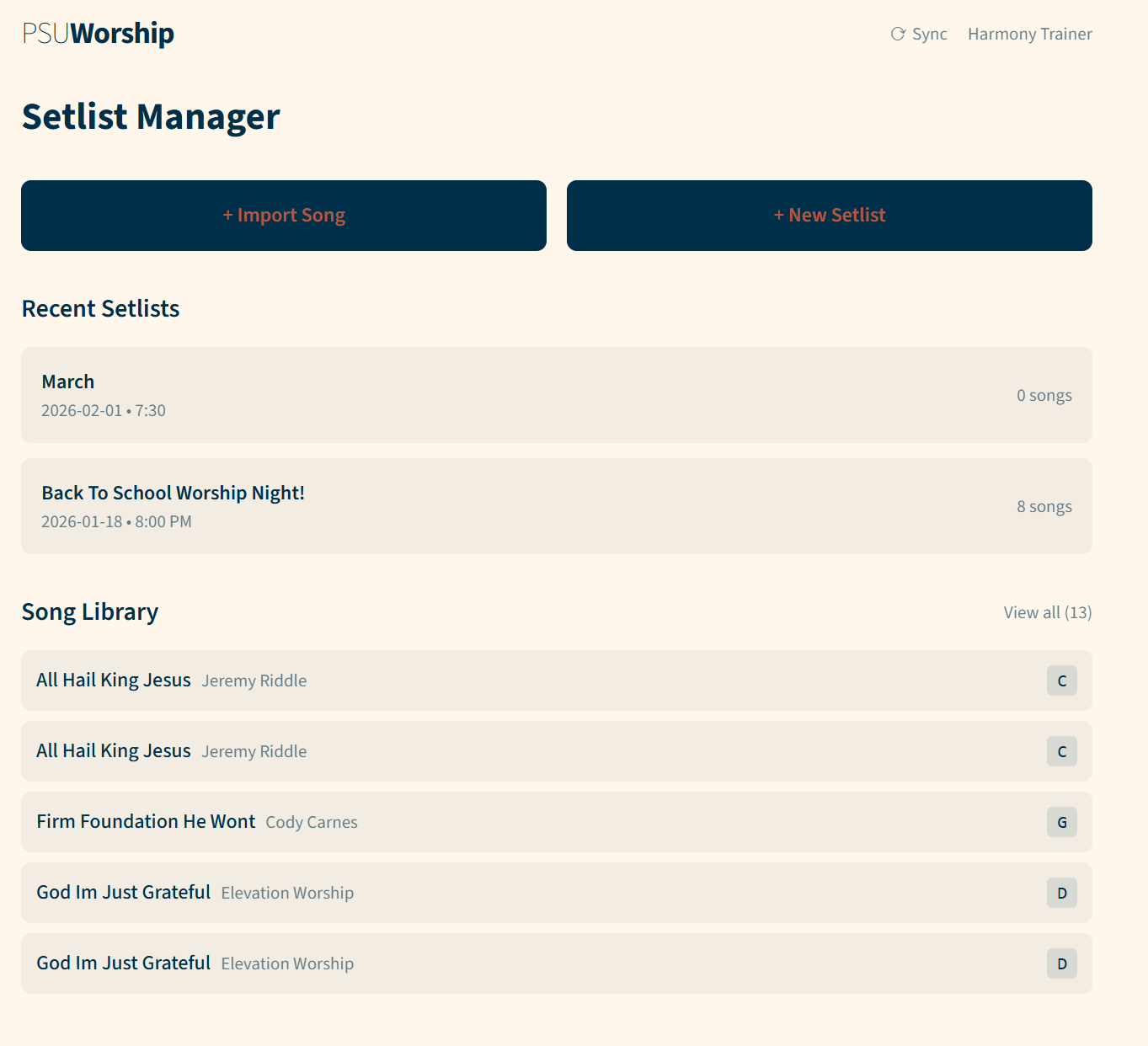
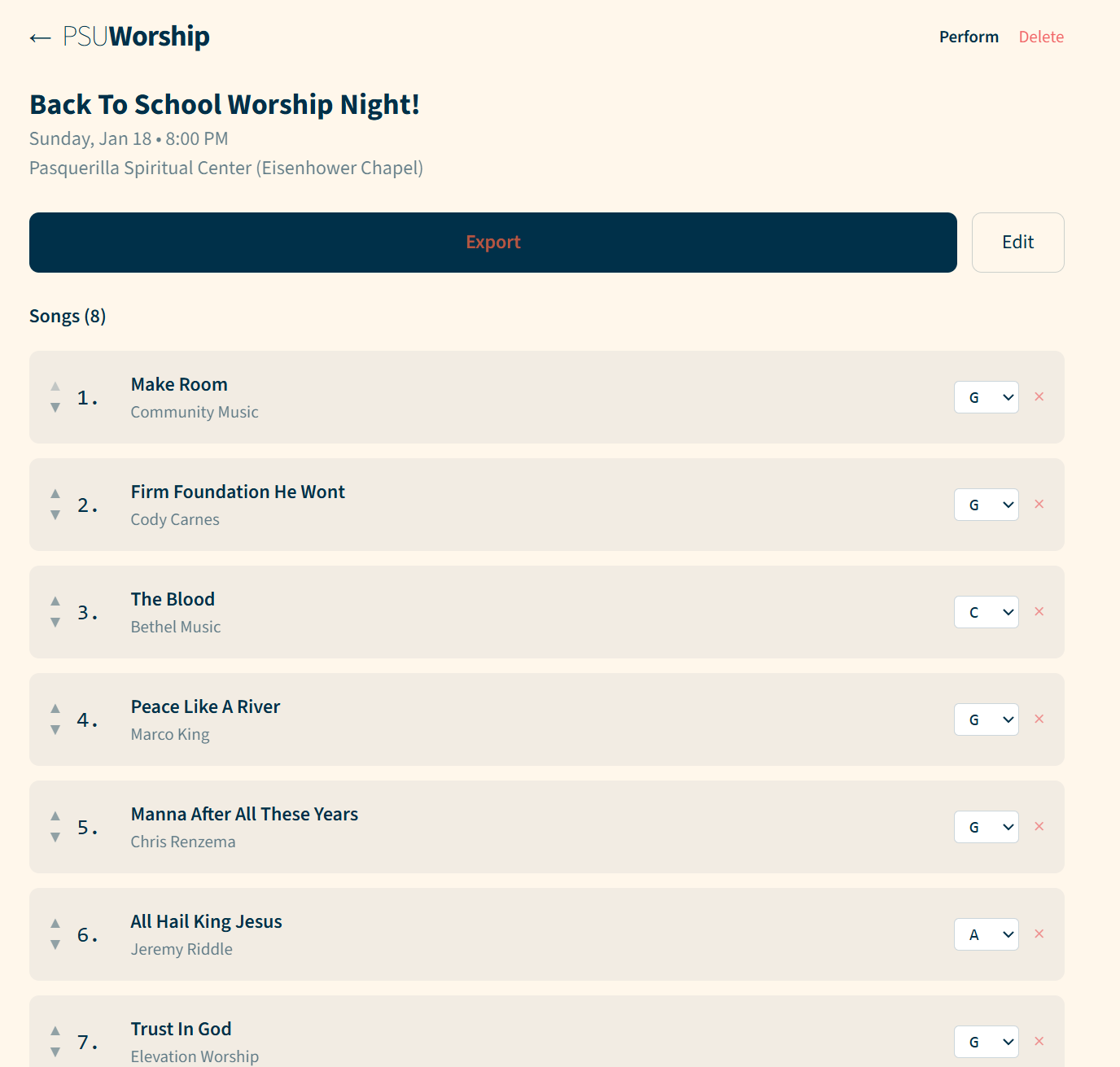
Create setlists, add songs, and keep the flow of the night in one place.
4) Song Details + Chord Views
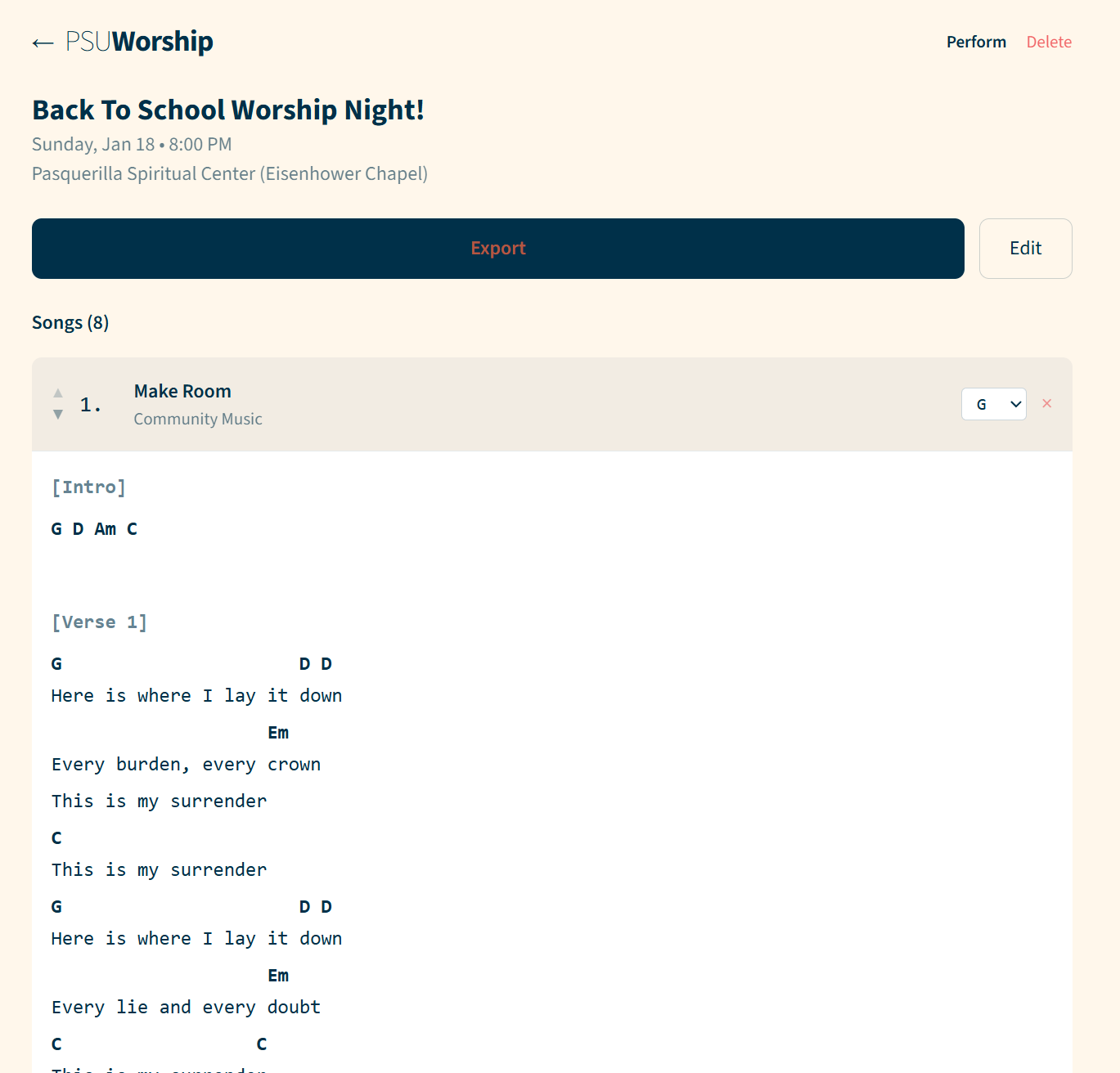
Open a setlist and drill into songs, lyrics, and chord charts. You can transpose keys quickly to match the team.
5) Edit & Structure Songs
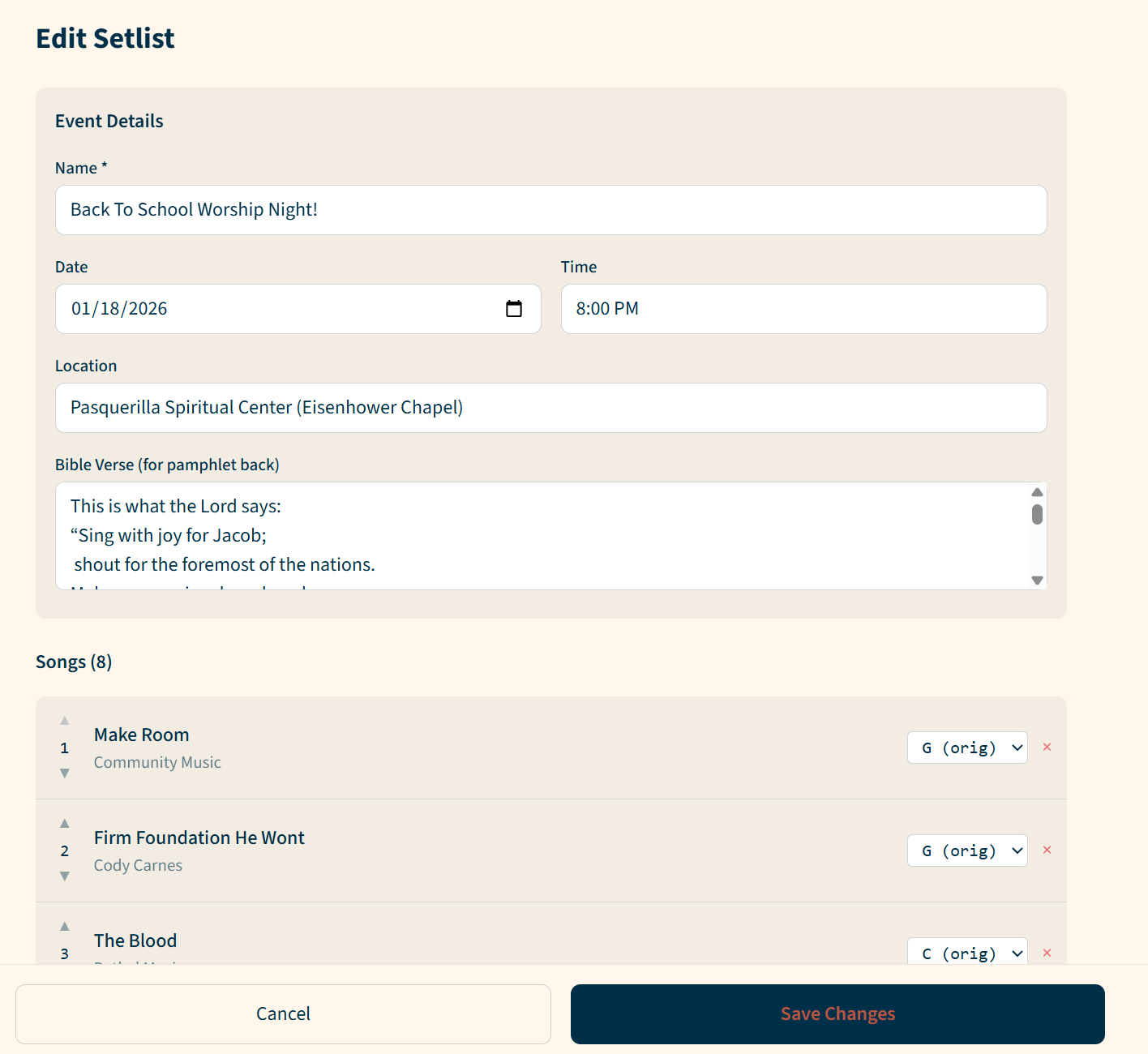
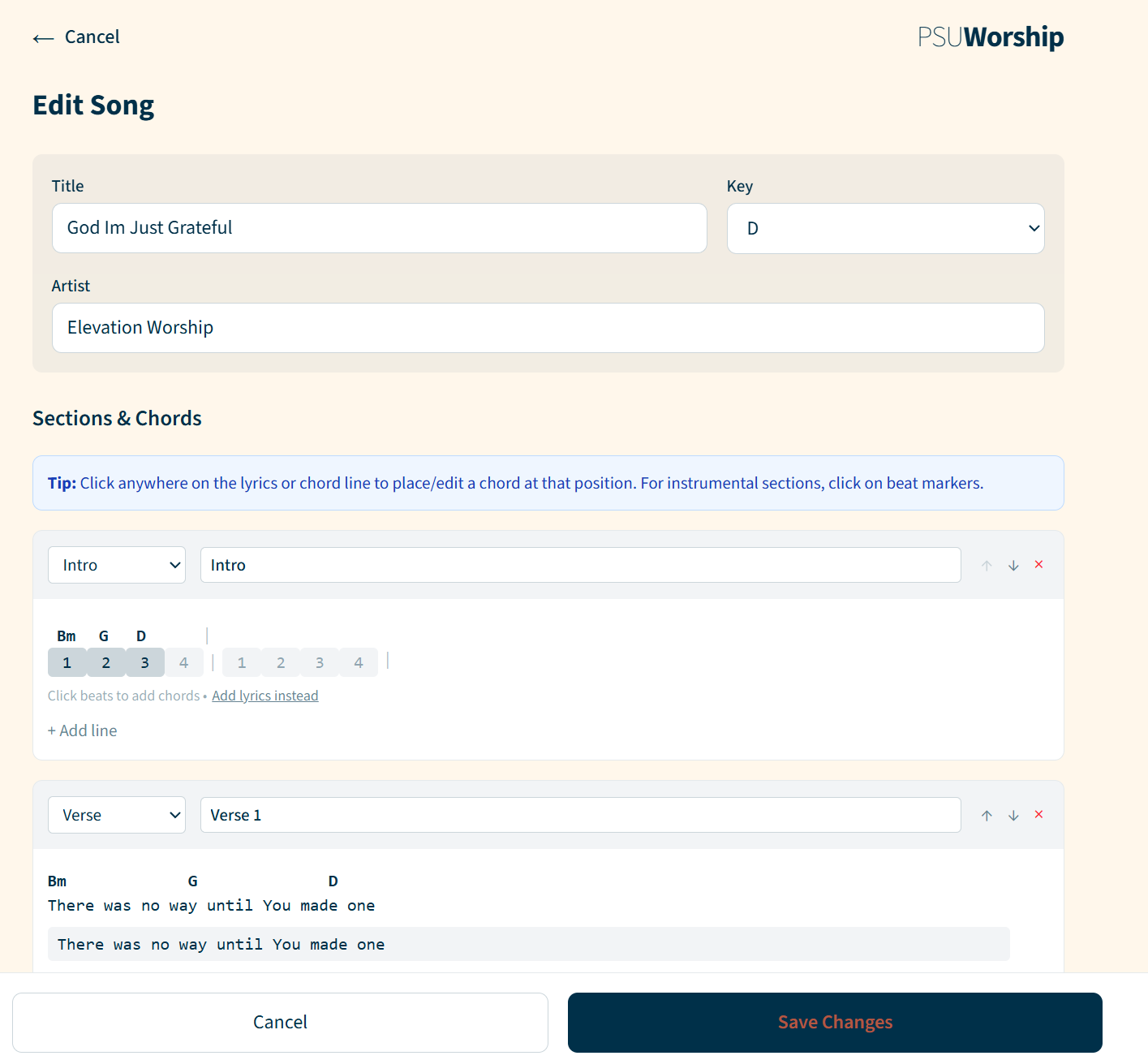
Edit metadata, add sections, and format chords/lyrics for consistent output.
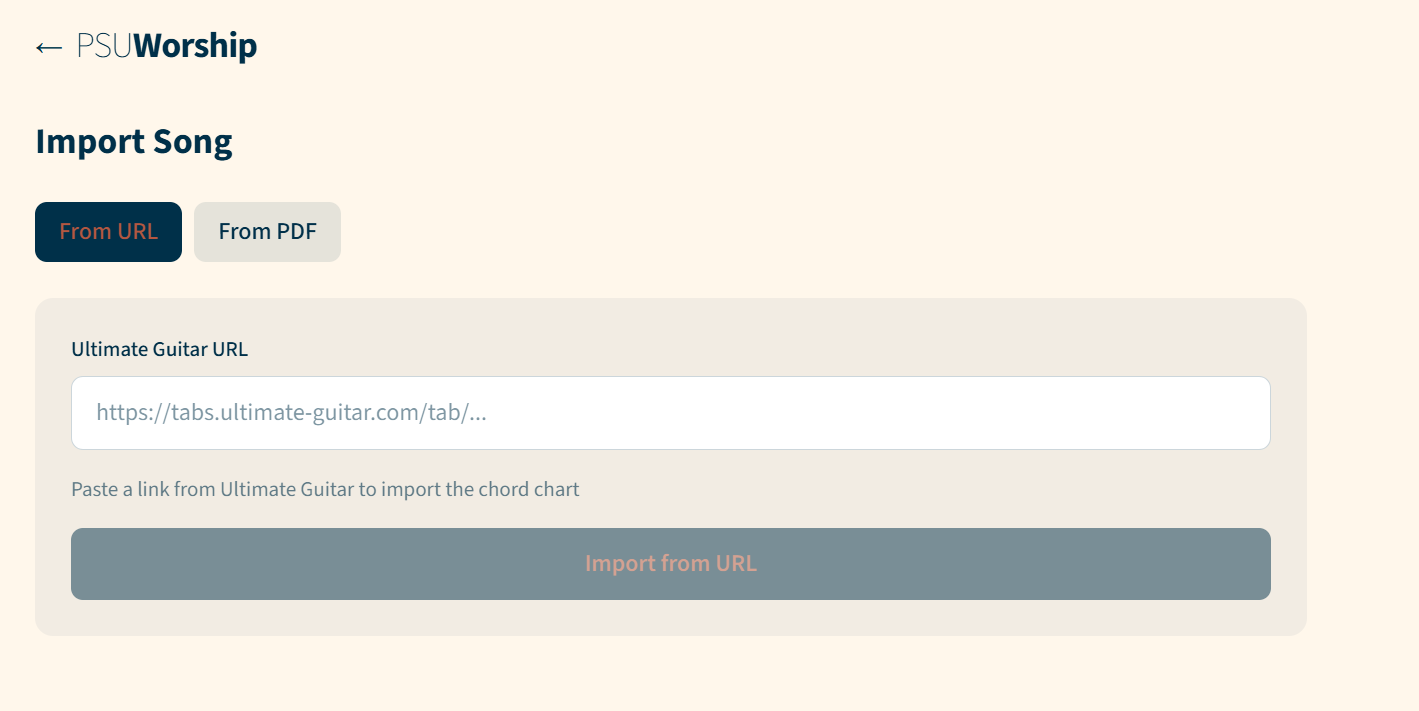
6) Import Songs
Import chord charts from URLs to save time setting up a night.
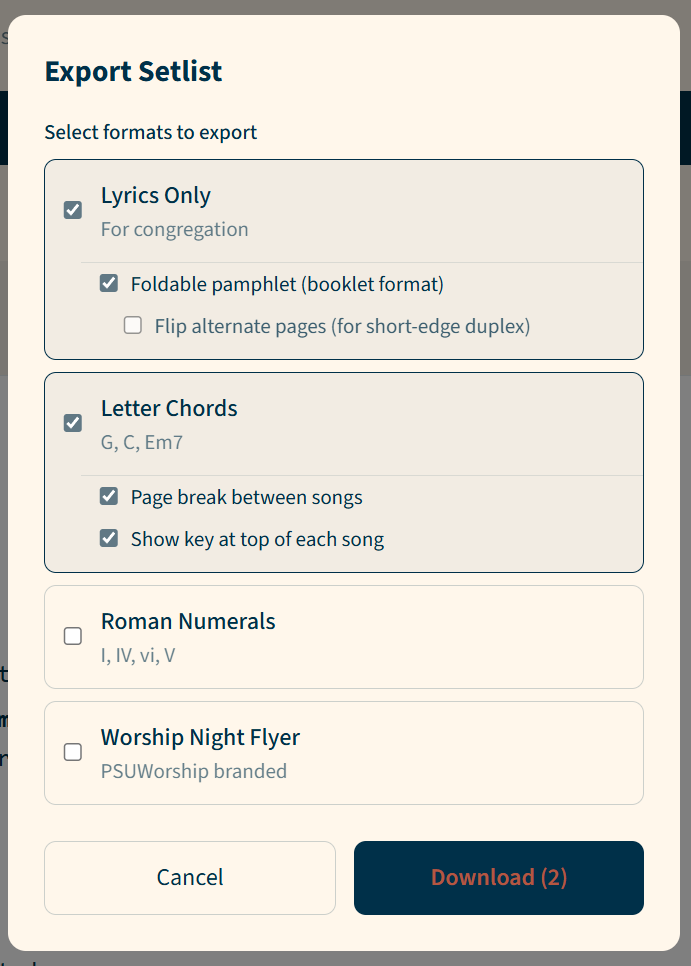
7) Export for the Team + Audience
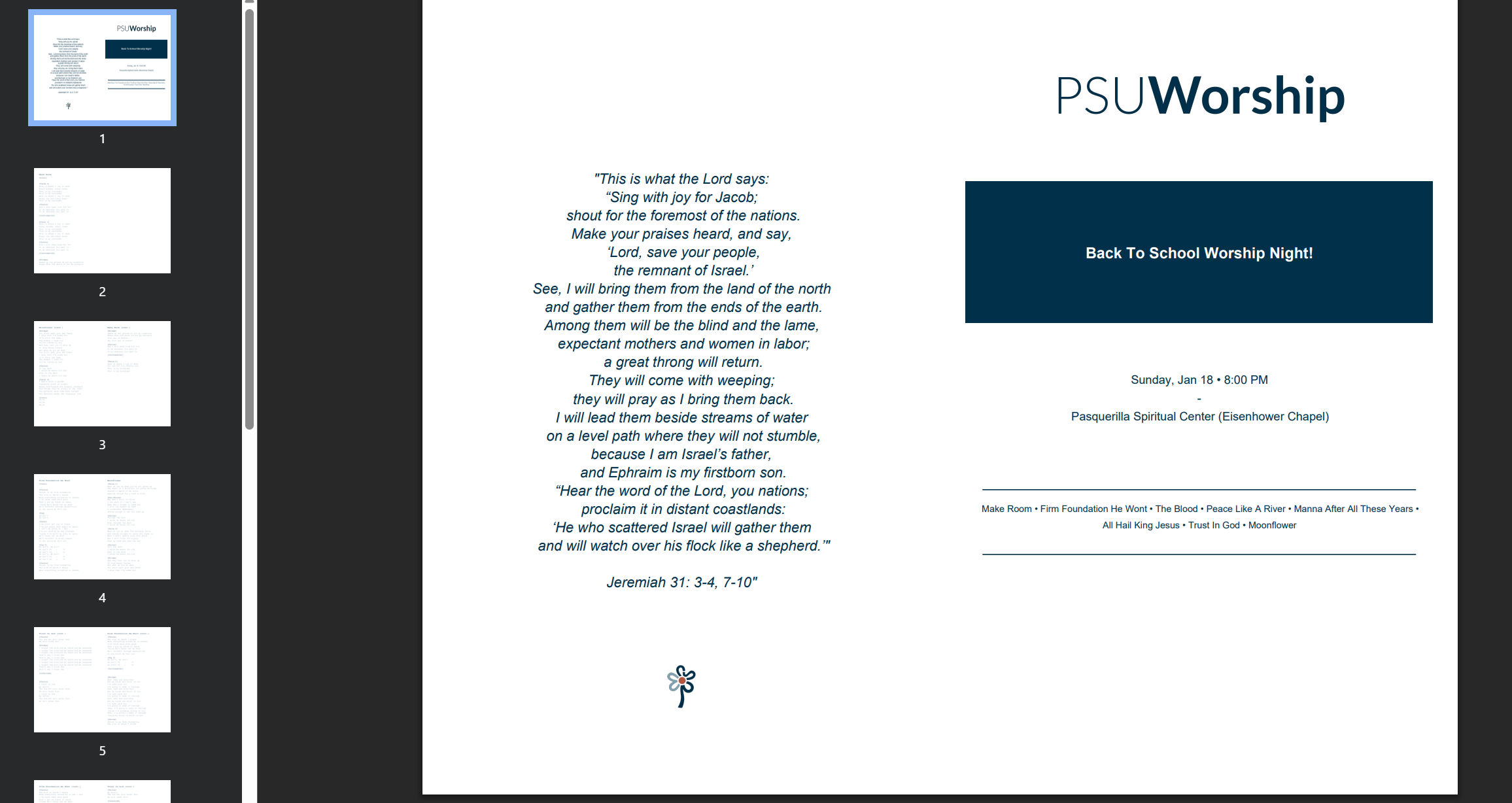
Export to multiple formats — lyrics, letter chords, and foldable pamphlets for the congregation. This makes it easy to move from planning to rehearsal to performance.